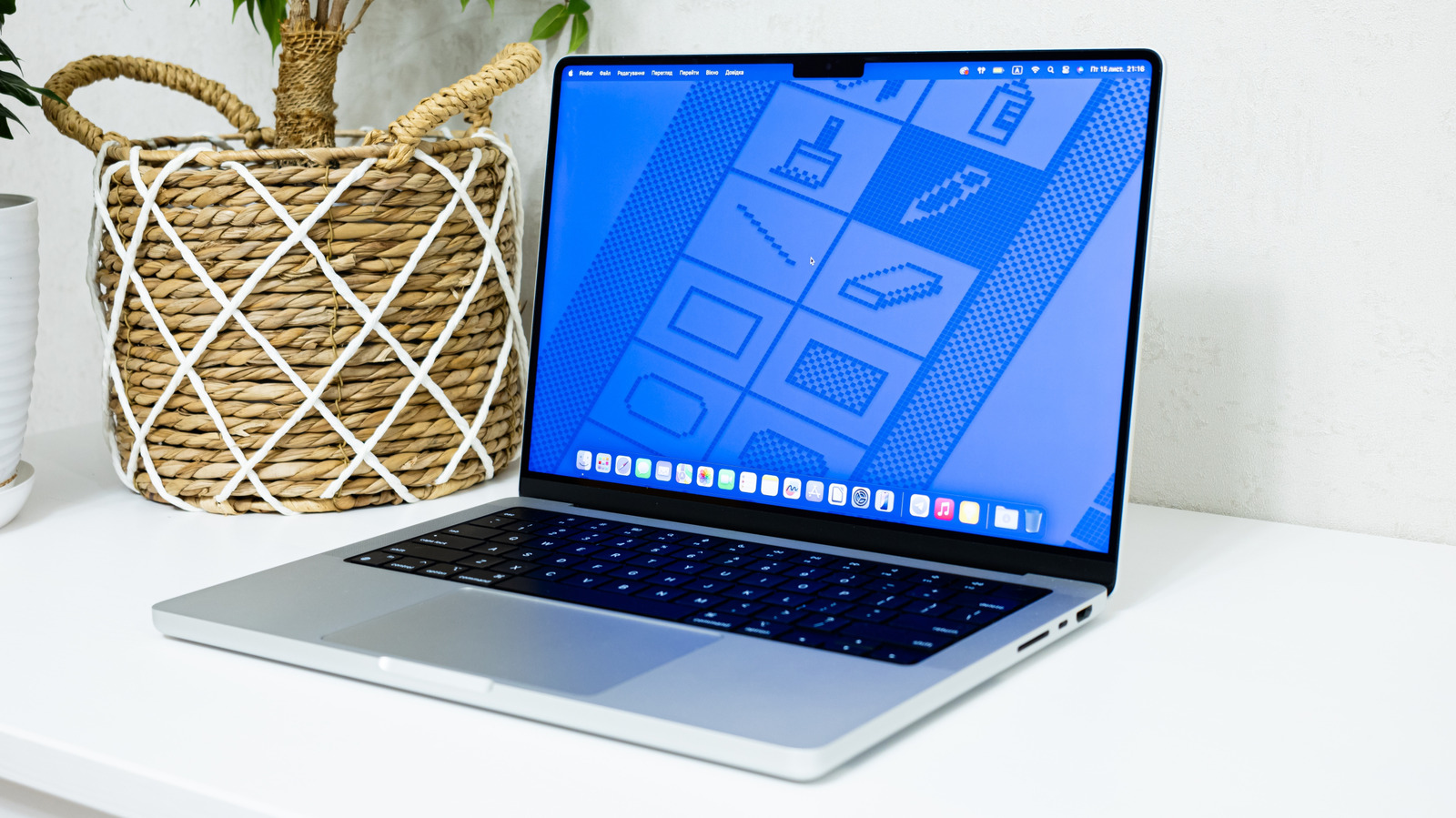
Home/TechnologyWhy your MacBook desktop Spaces keep rearranging themselves and how to stop itengadget.comNovember 24, 20261 min readDisable a Mission Control-specific setting to keep Spaces from switching.Read the full story at engadget.comRecommendedGeneralBiden's first-year fundraising fails to crack 1% of Obama's library haul as questions swirl over legacyNovember 24, 2026GeneralStandard owner Lord Lebedev cuts £5m off price of London mansionNovember 24, 2026General'Worst nightmare' as Delta flight comes to sudden halt due to cabin disruptionNovember 24, 2026